AI junk cleaner
Tap Clean Now with AI and CleanX sweeps up cache, leftover files and other junk that quietly piles up — so you get space back without hunting folder by folder.
CleanX finds junk files, duplicate photos, oversized videos and inbox spam in seconds — then lets you review everything before a single file is removed.
From forgotten downloads to the 14 near-identical shots of the same sunset — CleanX shows you exactly what's eating your storage and helps you clear it safely.
Tap Clean Now with AI and CleanX sweeps up cache, leftover files and other junk that quietly piles up — so you get space back without hunting folder by folder.
Find exact copies across your gallery, Screenshots, Downloads and WhatsApp — and remove them in a tap.
Burst shots and look-alikes grouped together, so you keep the best one and let the rest go.
Spot the bulky clips you no longer watch — the biggest space hogs on most phones.
Every oversized file, sorted by size, so the quickest wins are always at the top.
Shrink big images and videos without visible quality loss — keep the memory, lose the megabytes.
Junk emails sorted into Promotions, Social and Updates. Select all, clear in seconds.
A private vault for sensitive files and contacts, locked by your PIN or fingerprint.
See which apps take the most room and uninstall the ones you've forgotten about.
A clear breakdown of media, apps and free space — so you always know where your gigabytes went.
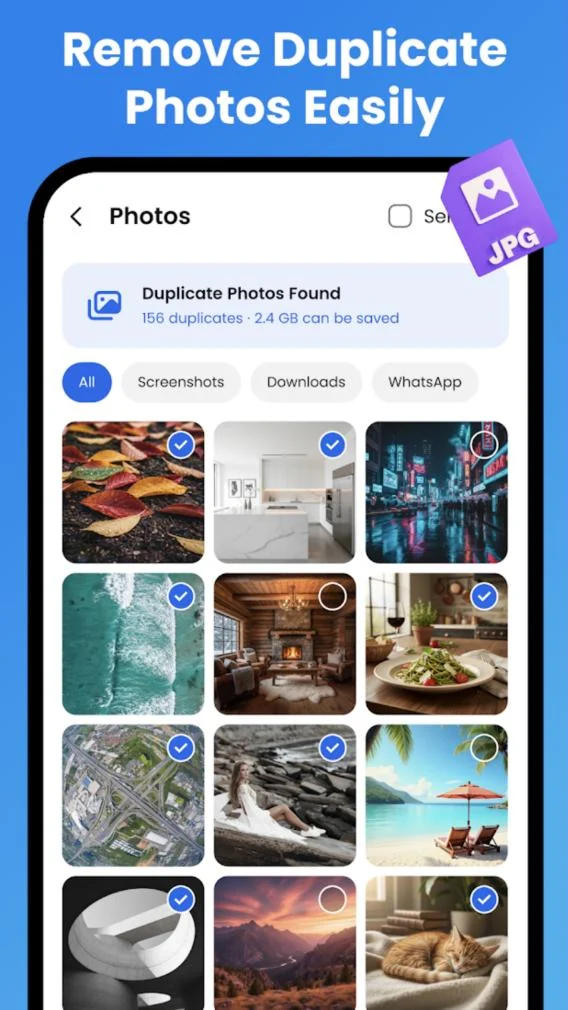
CleanX scans your whole gallery and groups duplicates and near-duplicates side by side. You decide what stays.
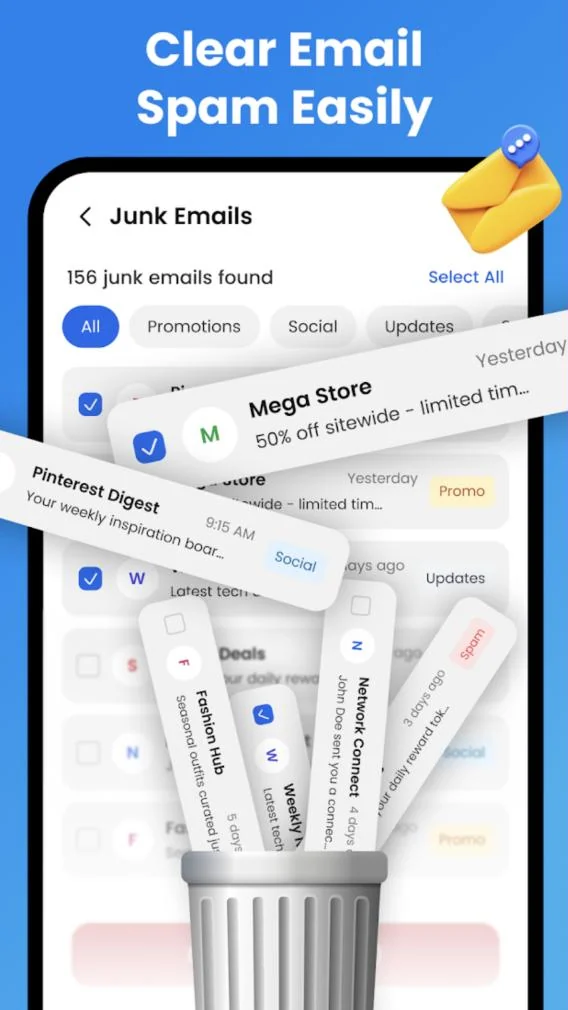
Promotional blasts, social notifications and newsletter updates — CleanX rounds them up so you can bin them in bulk instead of swiping one by one.
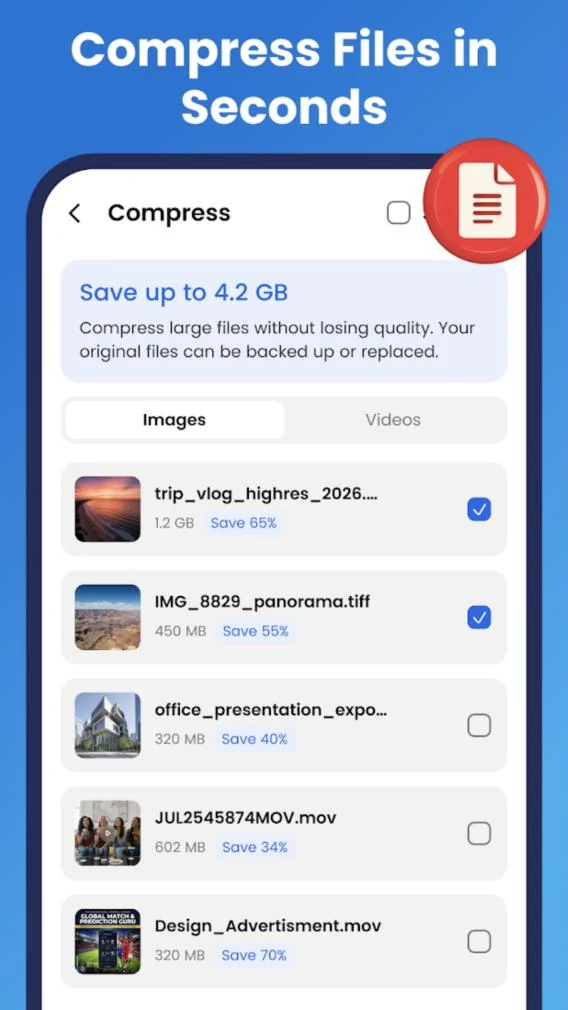
Big panoramas and 4K clips don't have to be deleted to free space. Compress them instead — CleanX shows the estimated saving for every file.
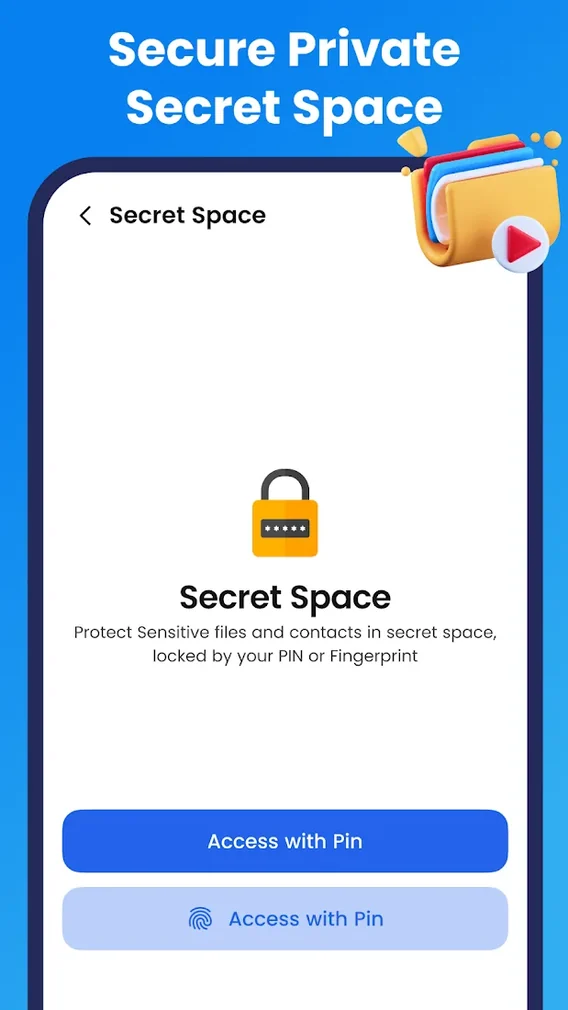
Move sensitive files and contacts into Secret Space — a locked area inside CleanX that only opens with your PIN or fingerprint.
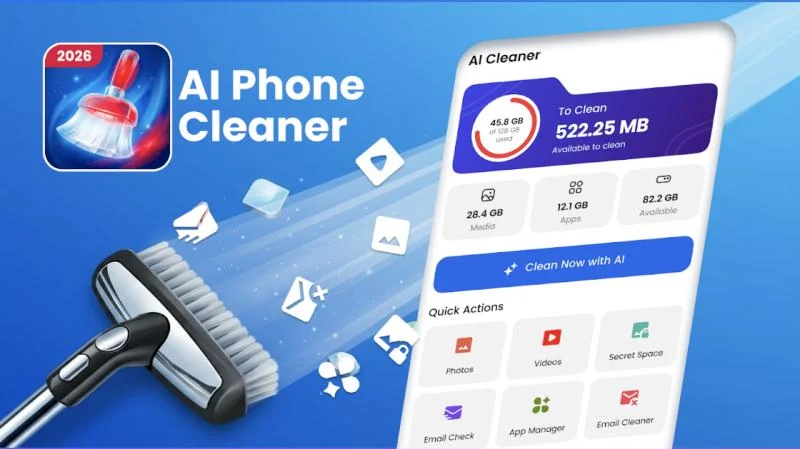
Open CleanX and tap Clean Now with AI. It analyses photos, videos, apps and files in moments.
Everything found is grouped by category with its size. Nothing is deleted until you say so.
Confirm and watch gigabytes come back — more room for new photos, apps and updates.
A cleaner needs to look at your storage to do its job. Here's how CleanX treats what it sees.
CleanX does not intentionally upload your personal photos, videos or files to its servers.
Download and start cleaning — there's no sign-up form standing in your way.
Review every file before deletion, and manage app permissions any time in your device settings.
Yes. CleanX is free to download on Google Play. The app shows ads and offers optional in-app purchases.
No. CleanX shows you everything it finds — junk, duplicates, large files, videos — and you choose what to remove. Nothing is deleted without your confirmation.
CleanX accesses files on your device only to provide its cleaning features. As stated in our Privacy Policy, we do not intentionally upload your personal photos, videos or files to our servers.
Secret Space is a private area inside CleanX where you can protect sensitive files and contacts. It's locked with your PIN or fingerprint.
No. You can use CleanX without creating an account.
Email us at toolsgenrationhub@gmail.com — we're happy to help.

Download CleanX free and see how much space you get back in your first scan.
GET IT ONGoogle Play